Liquid glass your AI gets right.
Copy a prompt or connect your AI. Real bend, not blur.
Free for every component and effect. No sign-in, no card.
Proof
Same prompt. One difference.
Claude Code, the same model, fresh sessions. Left alone, right with Meniscus.
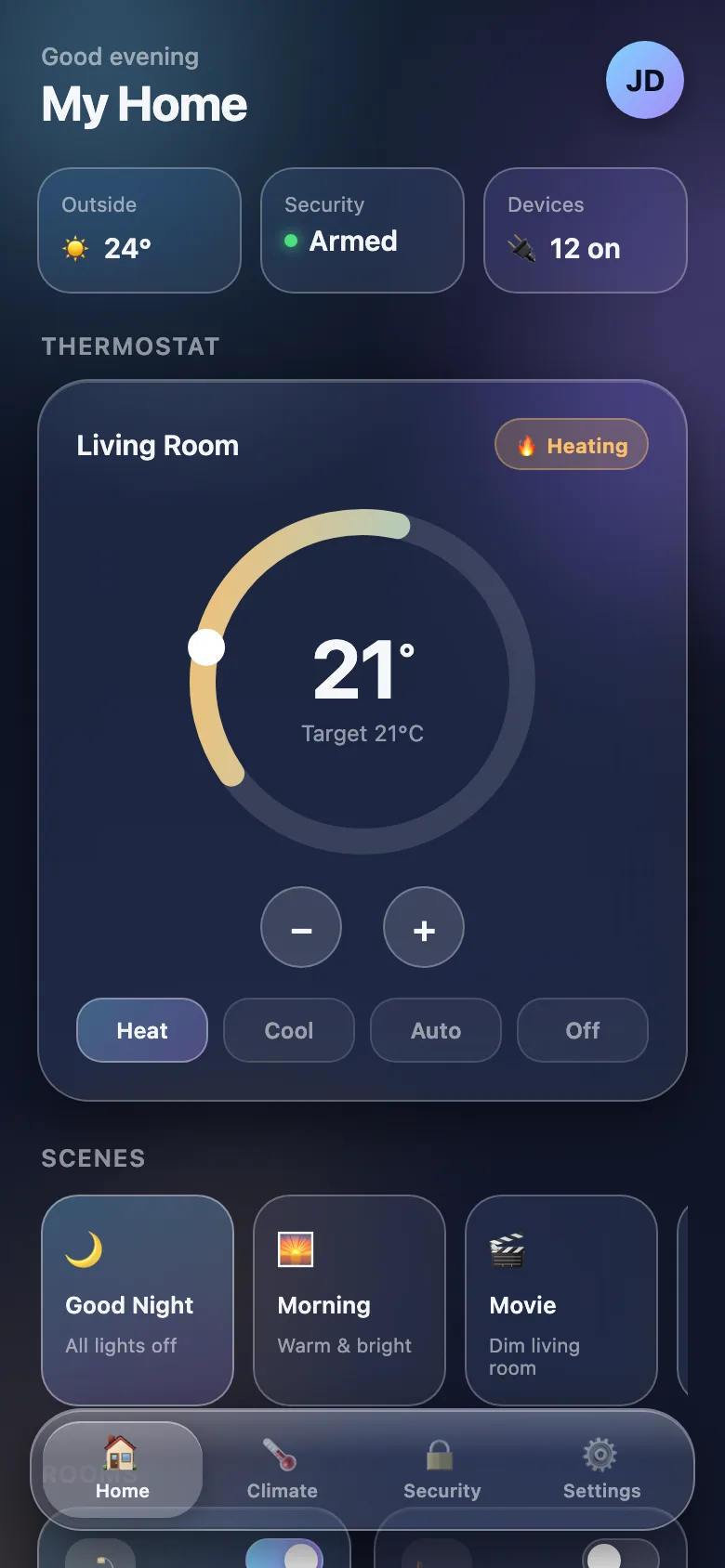
Claude Code alone1 min 52 s
Milky frost and white borders. The landscape disappears.
Open it full screen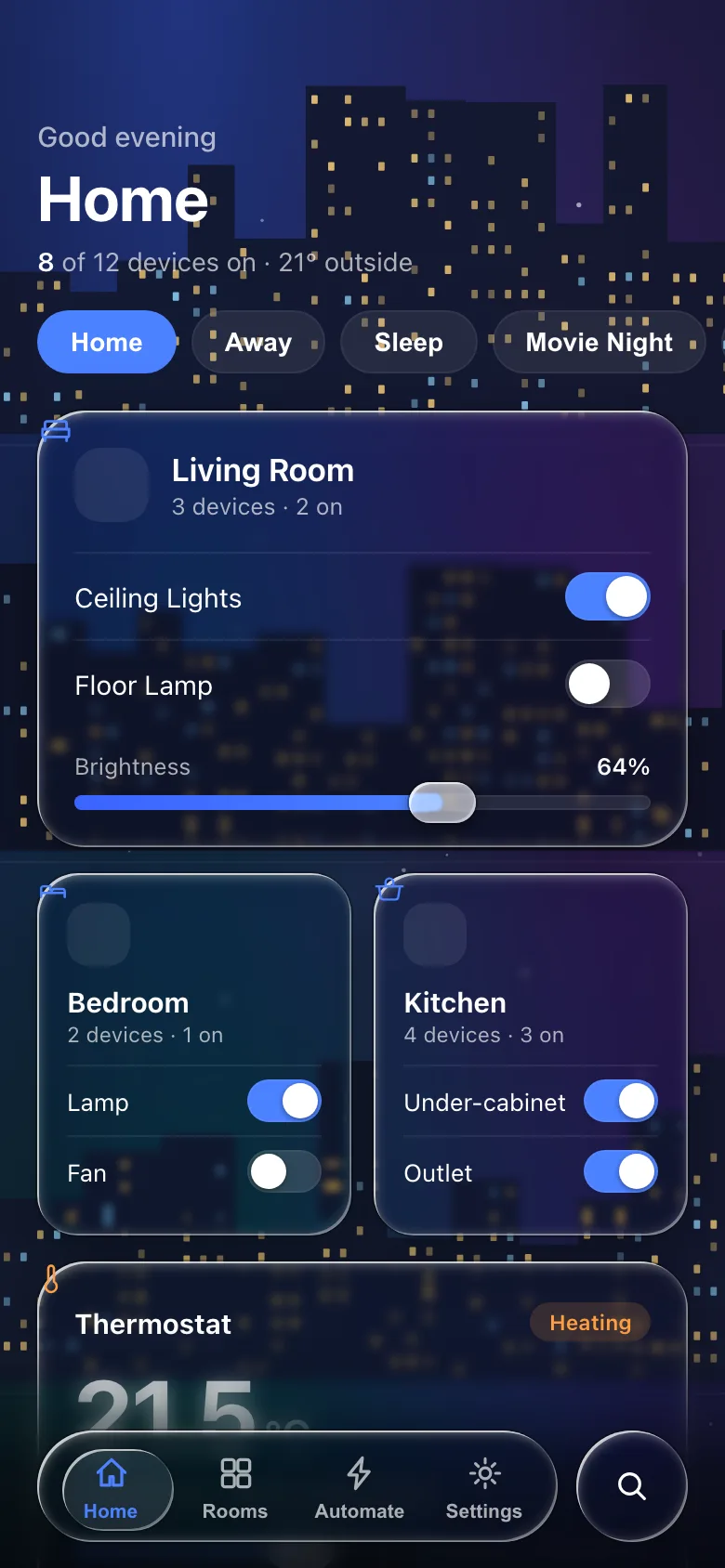
Claude Code + Meniscus (free)9 min 30 s
Clear glass that bends the landscape at every edge.
Open it full screenSee the prompt and how we ran it
The request, word for wordBuild a weather app home screen as a web page: a full-bleed landscape drawn procedurally behind everything (a dusk sky, layered mountains and a lake that reflects them; no external images), the city name and current temperature, an hourly forecast strip and a 10-day forecast list on liquid glass cards, and a floating liquid glass tab bar. Put everything in one self-contained index.html in this folder (inline CSS and JS, no build step, no external requests), designed for a 390×844 phone viewport.
- The same request, word for word, in fresh headless Claude Code sessions, each in an empty folder: Claude Sonnet 5.
- The only difference: the Meniscus server on the free plan, and “Use the meniscus tools.” at the end of the request.
- Two runs per side; we show one of each. The second run without Meniscus looked alike; the second with it used emoji tab icons and drew its own status bar.
- Without Meniscus the agent took under two minutes; with it, nine and a half, most of it reading the brief and the web recipe.
- Nothing edited. Screenshots taken in Chrome at 390 × 844; the phones above run the pages themselves.
- Run on 1 October 2026. The phones run both pages live in Chrome and Edge; other browsers show screenshots.
Two ways to start.
Same rules, same code. Pick what fits how you work.
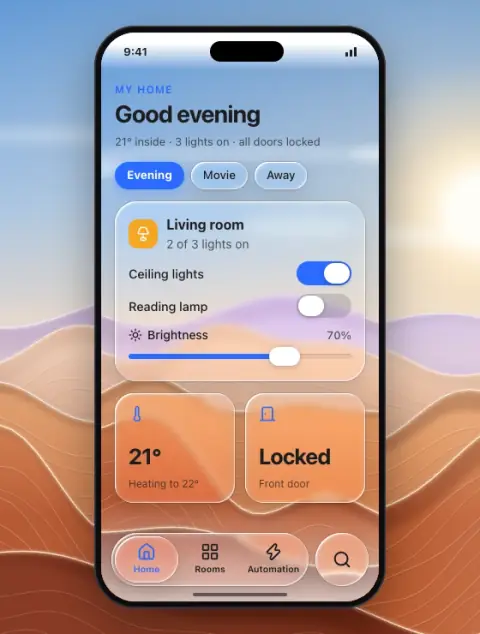
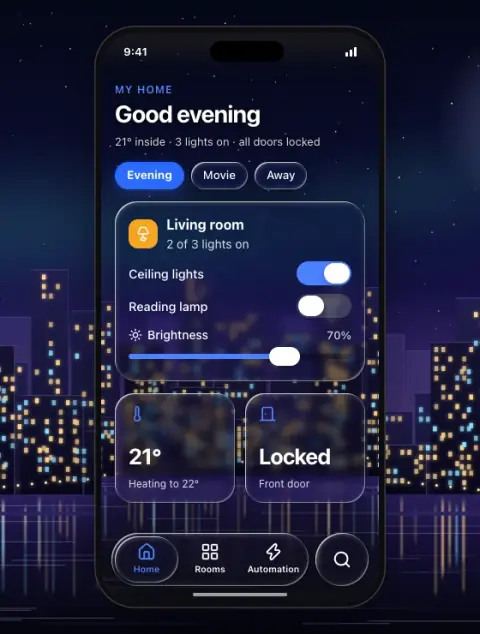
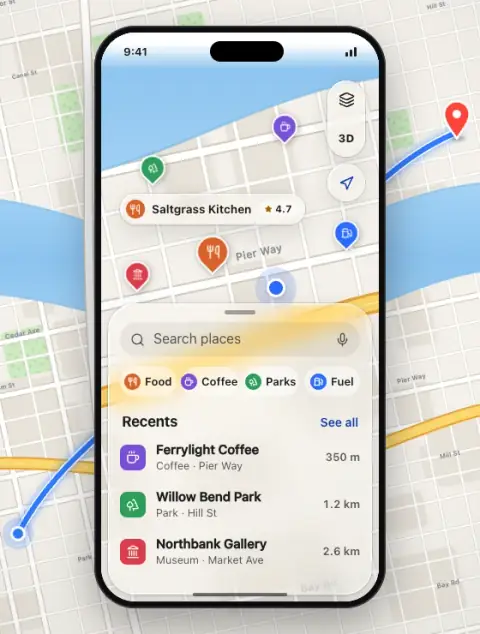
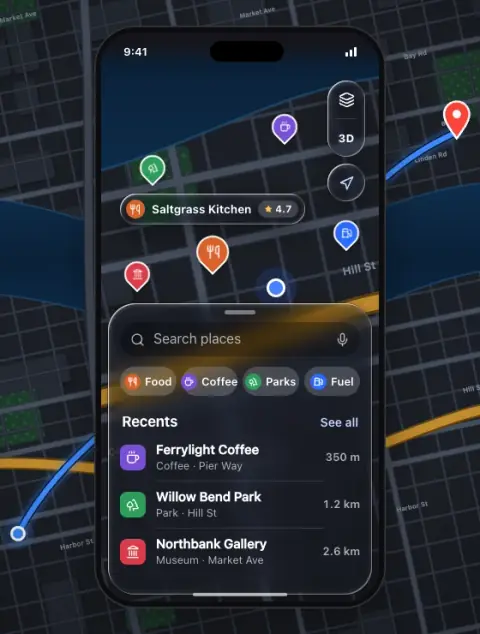
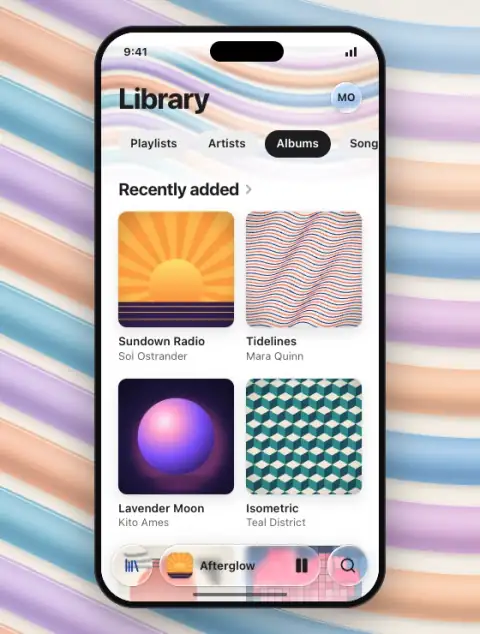
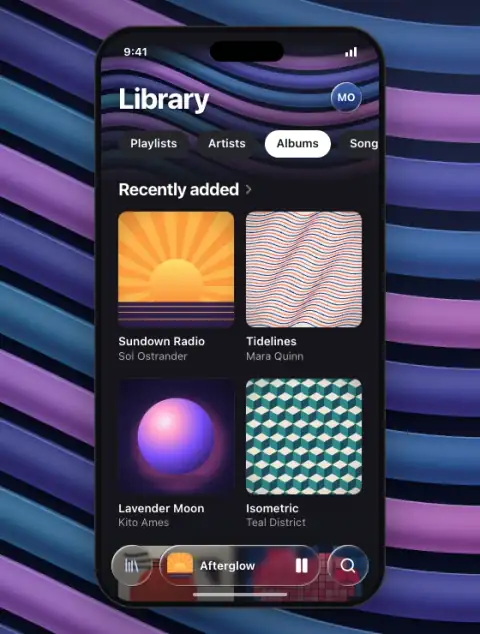
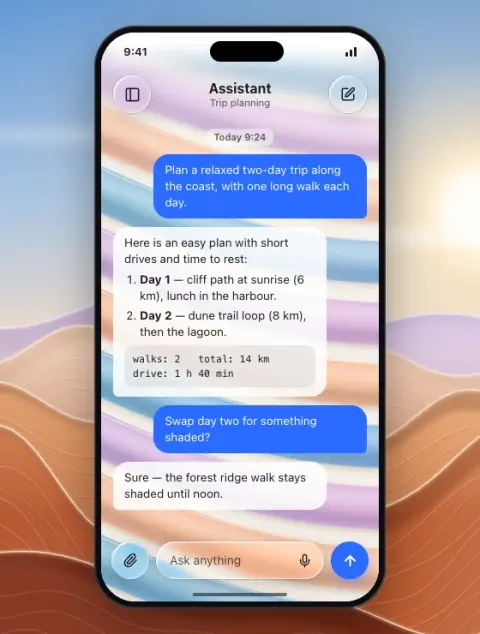
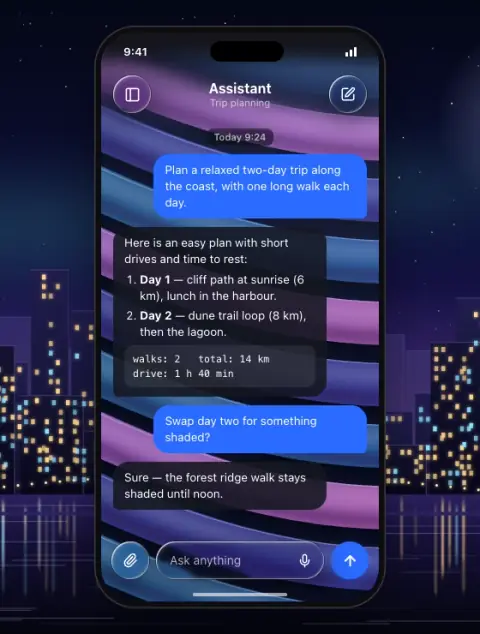
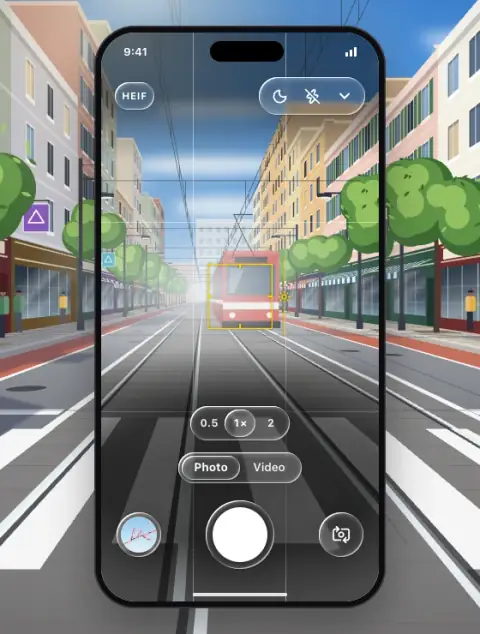
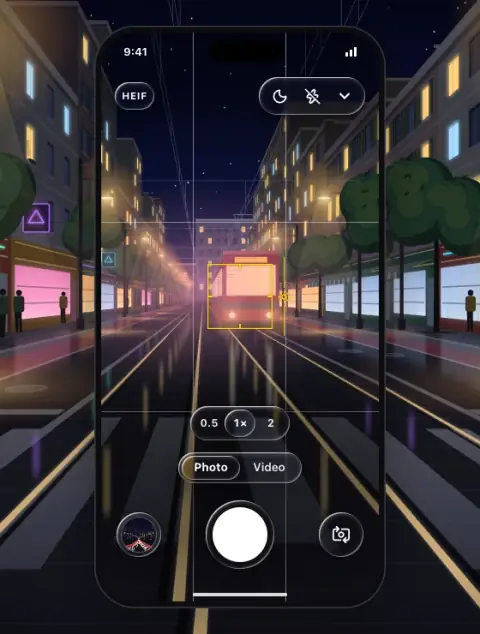
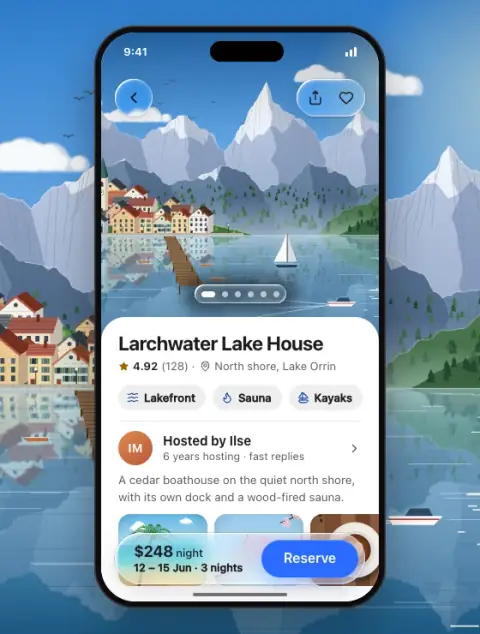
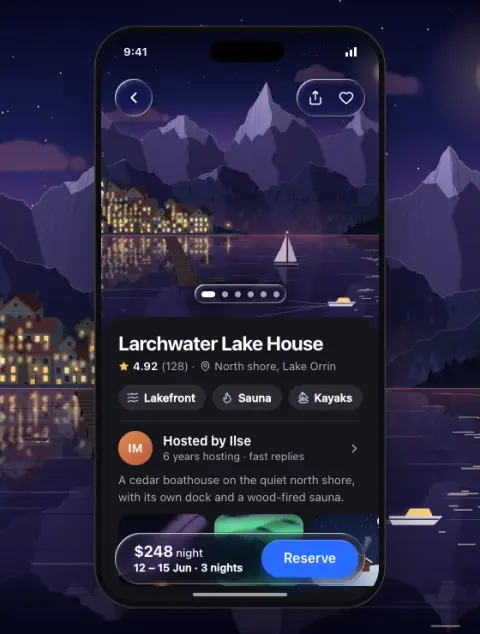
Every piece, one prompt away.
41 components and 14 effects, on five platforms. All free.
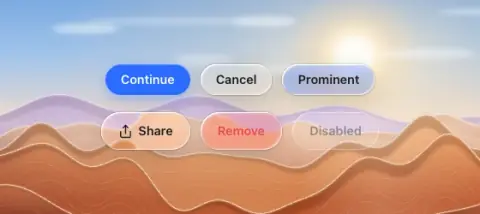
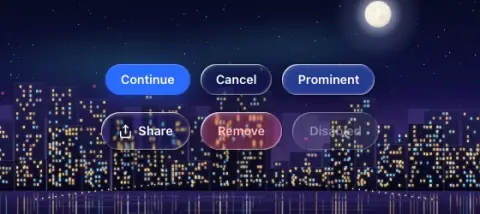
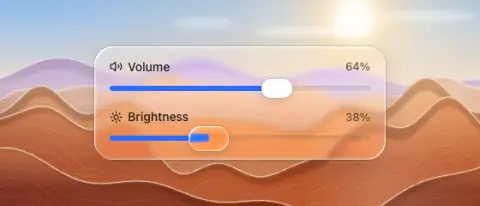
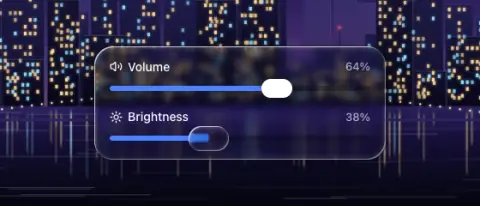
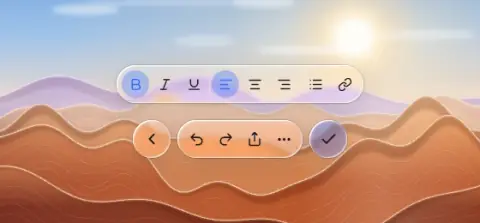
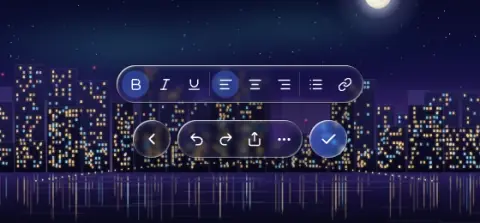
Free to start.
Pro adds whole screens, the app prompt and the React kit.
Free
$0 forever
Real liquid glass on every platform.
- Prompts for every component and effect, no sign-in
- Recipes for web, SwiftUI, Flutter, React Native and Figma
- Connect your AI: 50 tool calls a day
Pro
$79 per year
Whole screens and apps, ready to build.
- 22 screen templates and the app prompt
- React kit and React Native starter downloads
- The full reference library
Questions.
Do I need to install anything?
No. Copy a prompt from any component, effect or screen and paste it into Claude, ChatGPT, Codex or Cursor. Connecting Meniscus to your AI is optional: then it fetches the right spec on its own and checks its work.
Is this Apple's Liquid Glass?
No. Meniscus is an independent design system that teaches the look on every platform, including web, Flutter and React Native, where Apple ships nothing. It follows Apple's current release, iOS 27.
What is free?
Every component and effect prompt, without signing in, and connecting your AI with 50 tool calls a day. Pro adds the 22 screen templates, the app prompt, the React kit and the full reference library; new accounts get Pro free for 14 days.
Can I use what it produces in client work?
Yes. What your assistant builds with Meniscus is yours to ship, commercial or not. You may not resell the specs, images or starter themselves.
What happens when Apple changes the material again?
Prompts and the server update the day we ship the change. Apple shipped iOS 27 on 14 September 2026; Meniscus moved to its numbers 12 days later. Every change is on the changelog.